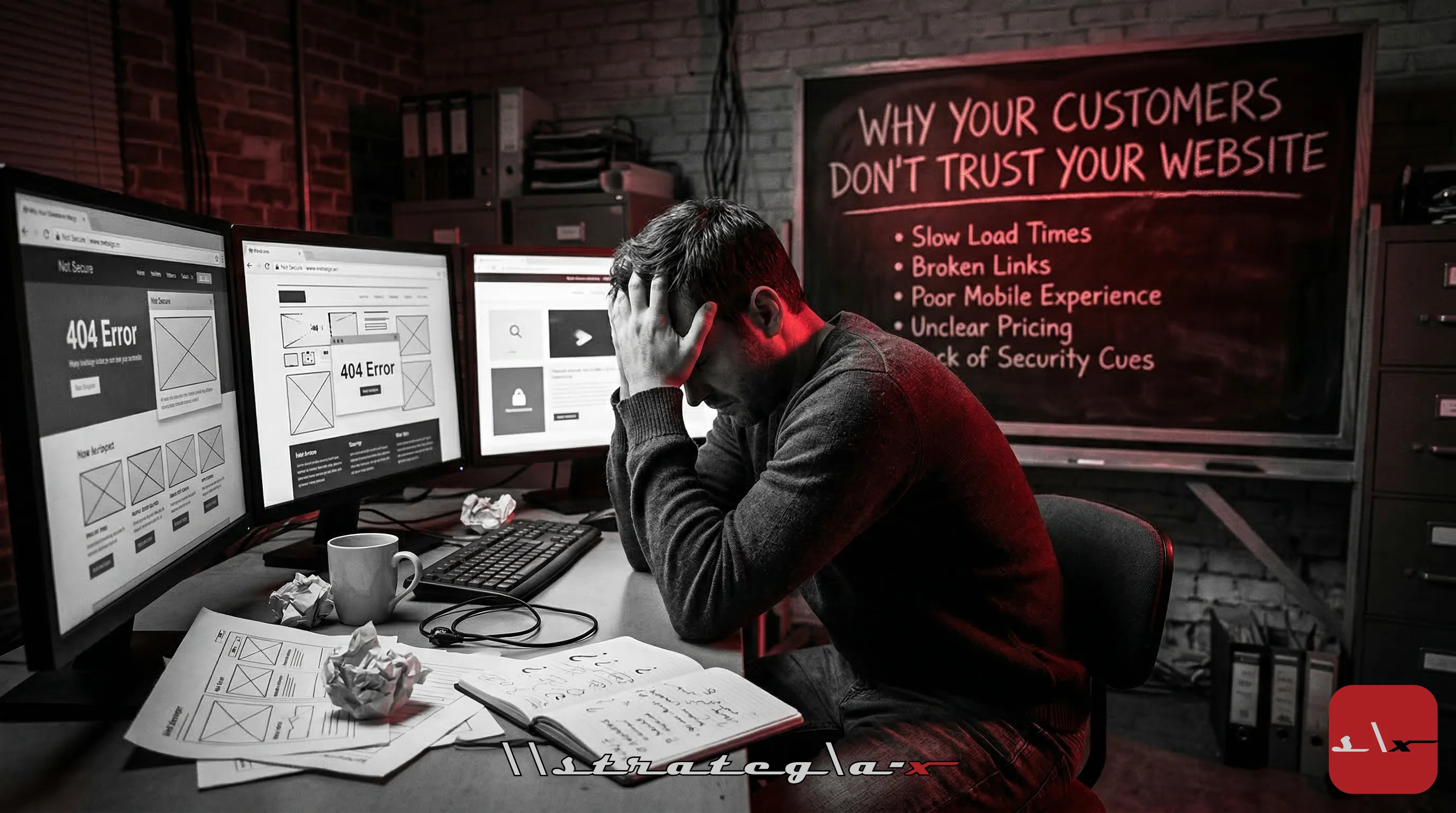
Your Website Is Your First Impression, And You're Blowing It
Before a prospect calls you, before they read your proposal, before they sit in your conference room, they visit your website. And in those first 50 milliseconds, 0.05 seconds, they've already formed an opinion about your company's credibility.
That's not an exaggeration. Research from Carleton University found that visual appeal judgments are formed in 50 milliseconds and remain stable even after longer exposure. A study by Stanford's Web Credibility Research Project found that 75% of users judge a company's credibility based on the design of their website. Not the content. Not the testimonials. Not the case studies. The design.
Your website is the storefront of your digital business. And right now, for a disturbing number of SMBs, that storefront has a broken window, a flickering sign, and a front door that takes 8 seconds to open.
If your website doesn't look trustworthy, nothing else matters. Your sales team could be excellent. Your product could be perfect. Your pricing could be competitive. But if the website screams "amateur" or "outdated" or "we don't take this seriously", that prospect is gone. They clicked back to Google. They chose your competitor. And you never even knew they were there.
The Trust Signals That Matter
Website trust isn't one thing. It's a constellation of signals that collectively tell a visitor: this company is legitimate, professional, and worth my time. Here are the ones that have the highest impact:
1. Page Speed
This is the big one. Google research shows that 53% of mobile users abandon a site that takes longer than 3 seconds to load. Every additional second of load time increases bounce rate by 32%. Let those numbers sink in. If your website takes 5 seconds to load, you're losing more than half your mobile visitors before they see a single word of content.
And it gets worse. Slow sites don't just lose visitors, they damage trust. Users associate slow performance with poor quality, outdated technology, and lack of investment. A study by Akamai found that a 100-millisecond delay in load time can hurt conversion rates by 7%. Your website's speed isn't a technical metric. It's a business metric. It directly determines how many potential customers you convert versus how many you lose to a competitor whose site loaded faster.
2. SSL and Security Indicators
If your website doesn't have HTTPS (the padlock icon in the browser), you've already lost. Chrome, Firefox, and Safari all flag non-HTTPS sites with explicit "Not Secure" warnings. Visitors see that warning and leave immediately. Even if your site doesn't handle sensitive data, the absence of SSL signals to users that you don't care about basic security practices. In 2026, SSL is free (Let's Encrypt) and takes minutes to configure. There is zero excuse for not having it. If your site says "Not Secure" in the address bar, fix it today. Not next week. Today.
3. Professional Design and Visual Consistency
Users evaluate design quality subconsciously. They can't always articulate why a site feels unprofessional, but they know it when they see it. The most common trust-killing design problems:
- Inconsistent typography: Multiple fonts, inconsistent sizes, poor hierarchy
- Low-quality images: Pixelated photos, obvious stock imagery, stretched or cropped awkwardly
- Cluttered layouts: Too much information competing for attention with no visual breathing room
- Outdated visual patterns: Gradients from 2010, carousel sliders, Flash-era design language
- Broken elements: Misaligned sections, overlapping text, images that don't load, links that 404
A professionally designed website communicates investment and attention to detail. If you've invested in making your website excellent, visitors infer that you invest the same attention in your products and services. The inverse is equally true, a sloppy website implies a sloppy business.
4. Clear Contact Information
You'd be surprised how many SMB websites make it difficult to find basic contact information. No phone number. No physical address. A contact form buried three clicks deep. An email address hidden in the footer in 10px font.
Hiding your contact information destroys trust. Visitors think: If I have a problem, can I actually reach these people? If the answer feels like "maybe not," they'll choose a competitor who makes it obvious. Put your phone number in the header. Put your address in the footer. Make your contact page one click from every page on the site. Accessibility builds trust. Hiding builds suspicion.
5. Social Proof
Testimonials. Client logos. Case studies. Reviews. Certifications. Awards. These aren't vanity, they're trust infrastructure. 92% of consumers read online reviews before making a purchase decision. A website with zero social proof is a website that's asking visitors to trust it on faith alone. That's a lot to ask from someone who found you through a Google search 30 seconds ago.
The most effective social proof is specific: real names, real companies, real results. "Strategia-X helped us reduce IT costs by 30%" is credible. "Great company!" is not. Include numbers. Include outcomes. Include enough detail that the testimonial feels genuine rather than fabricated.
6. Mobile Responsiveness
Over 60% of web traffic now comes from mobile devices. If your website isn't fully responsive, if text is too small to read, buttons too small to tap, or layouts broken on a phone screen, you're telling the majority of your visitors that you didn't think about them. Responsive design isn't a nice-to-have. It's table stakes. And Google uses mobile-first indexing, meaning your mobile experience directly affects your search rankings.
7. Accessibility
Web accessibility isn't just a legal requirement (ADA compliance applies to commercial websites), it's a trust signal. Sites that implement proper heading structure, alt text for images, keyboard navigation, and sufficient color contrast demonstrate that they care about every user, not just the majority. And accessibility improvements often benefit all users, clearer navigation, better readability, and more intuitive interactions are byproducts of accessibility-first design.
The Bounce Rate Reality Check
Here's the data that should keep every business owner awake at night:
- 1 second load time: ~7% bounce rate
- 3 second load time: ~11% bounce rate
- 5 second load time: ~38% bounce rate
- 10 second load time: ~65% bounce rate
That's not a gentle decline. It's a cliff. And every visitor who bounces is a potential customer who chose your competitor because their site loaded two seconds faster. Over the course of a year, for a site getting 10,000 monthly visitors, the difference between a 3-second and 5-second load time is approximately 32,400 lost visitors, any percentage of whom could have become paying customers.
The Trust Audit: A Checklist You Can Use Today
Open your website right now. On your phone. And work through this checklist:
- Speed: Run your URL through Google PageSpeed Insights (pagespeed.web.dev). Is your performance score above 80? Is your Largest Contentful Paint under 2.5 seconds? If not, speed optimization is priority one.
- SSL: Does your URL start with https://? Does the browser show a padlock? If not, install an SSL certificate immediately.
- Mobile: Does your site look good and function properly on a phone? Can you read the text without zooming? Can you tap buttons without accidentally hitting the wrong one? Are all images properly sized?
- Contact info: Can you find a phone number within 5 seconds of landing on the homepage? Is there a physical address visible? Is the contact page accessible from the main navigation?
- Social proof: Are there testimonials, client logos, or case studies visible within the first two scrolls of the homepage? Do they include real names and specific results?
- Design quality: Does the site look like it was designed in the last 2 years? Is the typography consistent? Are images high-quality? Is there sufficient whitespace? Does the layout feel organized and intentional?
- Broken elements: Click every link in the navigation. Do any 404? Are any images missing? Does the contact form actually work? Test it.
- Accessibility: Can you navigate the site using only your keyboard? Do images have alt text? Is the color contrast sufficient for readability?
If you failed more than two of these items, your website is actively costing you business. Not might be. Is.
The Investment Perspective
A professional website redesign for an SMB typically costs $5,000-25,000 depending on complexity. Performance optimization and SEO tuning might cost another $2,000-5,000. Ongoing maintenance runs $200-500/month.
Compare that to the revenue you're losing. If your website gets 5,000 visitors per month and your current conversion rate is 1% (50 conversions), improving trust signals and performance typically increases conversion rates by 30-50%. That's 15-25 additional conversions per month. If your average customer value is $5,000, that's $75,000-125,000 in additional annual revenue, from a one-time investment that pays for itself in the first month.
The Bottom Line
Your website is not a brochure. It's not an afterthought. It's not something you build once and forget about. It's the most visible, most visited, most scrutinized representation of your business in existence, and most SMBs are treating it like a bulletin board in the break room.
Every slow load, every broken link, every outdated design element, every missing trust signal is a customer you lost without knowing it. Run the audit. Fix the fundamentals. Invest in speed, design, and trust infrastructure. Because your competitors already have, and every day your website underperforms, the gap between you and them gets wider.
-Rocky
#Webdesign #Websiteperformance #Customertrust #Ux #Conversionrate #Smb #Digitalpresence #Brandcredibility #Pagespeed #Accessibility #EngineeringDreams #StrategiaX